

I read every single day. At home it’s on my Kobo running KOReader (yes, I’m that open-source guy), and I love it. The problem: I don’t always have the e-reader on me. On the train, at work, waiting somewhere — I just have my phone.
I tried Kobo’s own Android app to bridge the gap and… I really didn’t like it. Promos everywhere, adding your own books is a pain, the reader itself feels clunky, and the Wi-Fi handling is annoying.
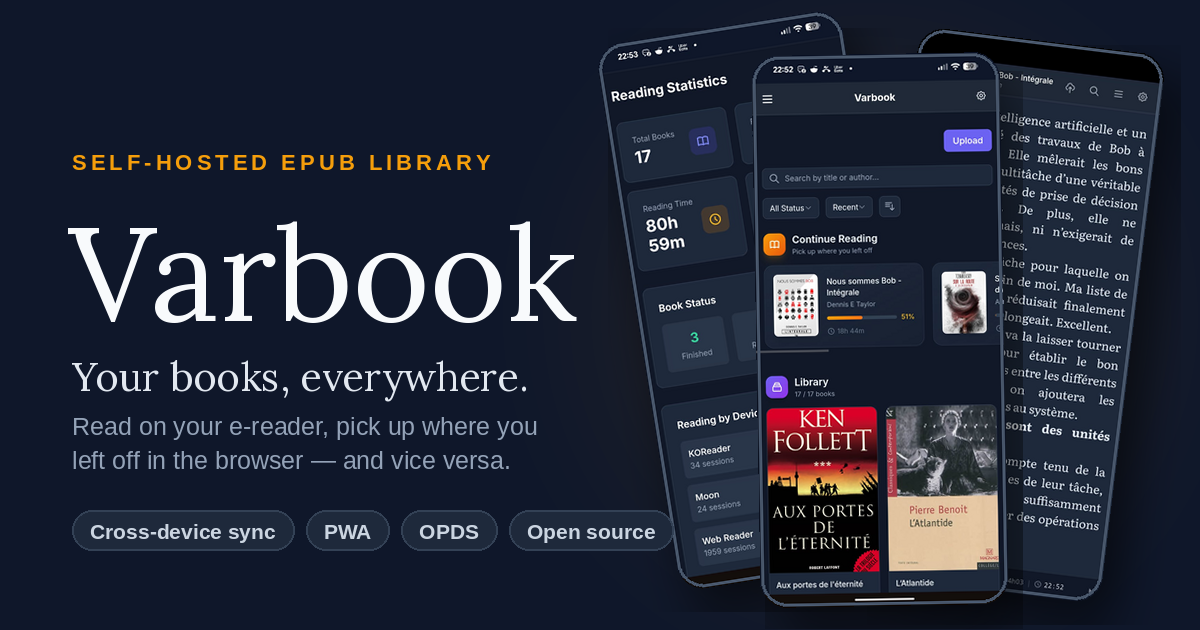
So I built my own thing: Varbook, a small self-hosted EPUB library.
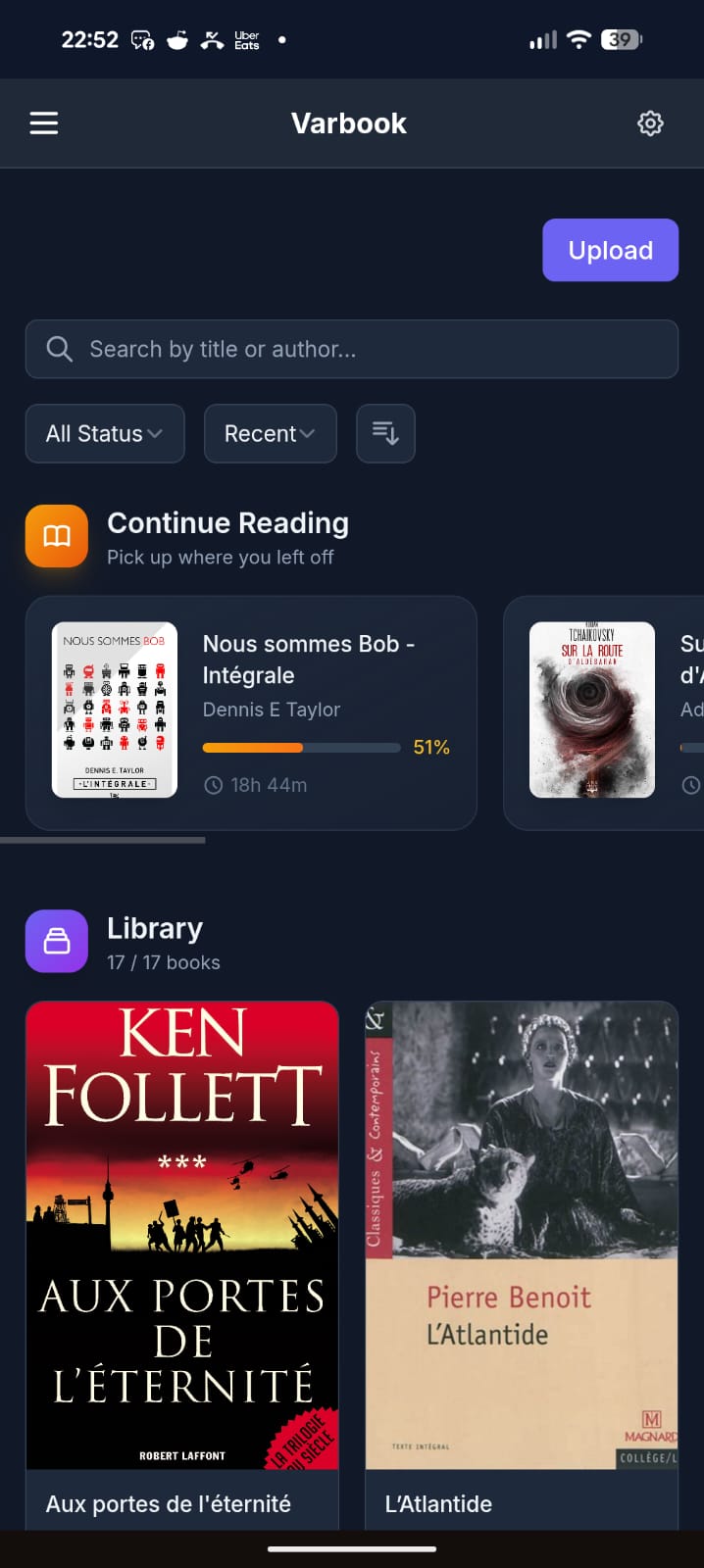
You drop EPUBs into it in one click. From there:
- They’re readable on your phone through a simple but well-made PWA. Books are cached locally, so you can read offline; when you’re back online your reading position syncs to the server.
- The server exposes everything over OPDS, so any compatible app works (KOReader, Moon+ Reader, etc.).
- I also wrote a KOReader plugin that pushes/pulls your reading position to the server in a single gesture.
My actual daily workflow:
- Evening, at home: I wake up my Kobo in KOReader, tap the top-right corner → Wi-Fi turns on, my current book jumps to the right position, Wi-Fi turns back off to save battery.
- I read.
- Done reading: tap the top-right corner again → Wi-Fi on, my reading time + position sync to the server.
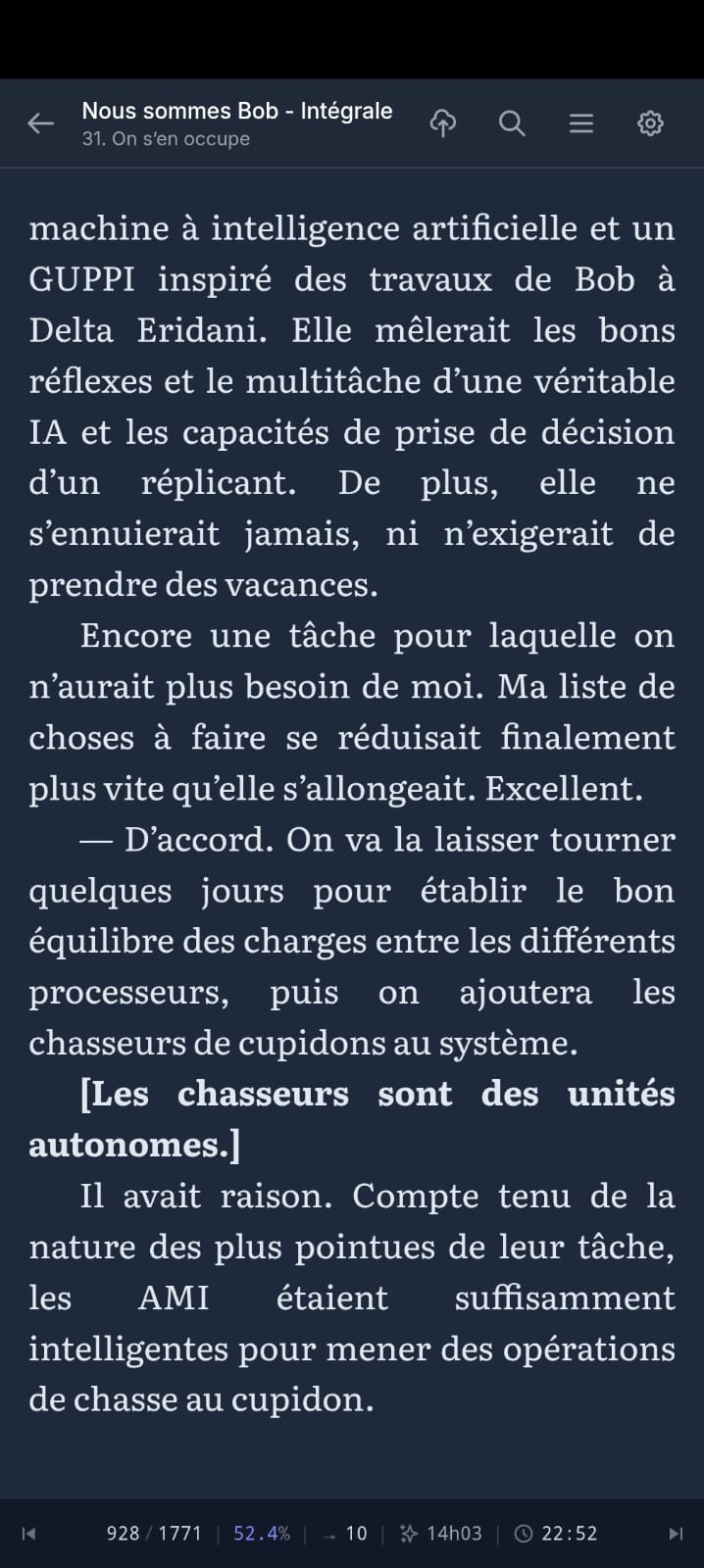
- Next day, at work: I open the PWA on my phone. It drops me exactly where I left off, and syncs my position on every page turn.
- Evening: back to the Kobo, which picks up my position from the phone.
All of this with fully open-source software, no commercial service in the loop, my books staying on my own server.
The trickiest part was cross-device position sync — every reader engine (epub.js in the browser, KOReader’s CREngine, Moon+) tracks position differently. Varbook uses a “pivot” format based on EPUB spine items (chapter index + percentage) so your position survives the jump from one device to another without throwing you 30 pages off.
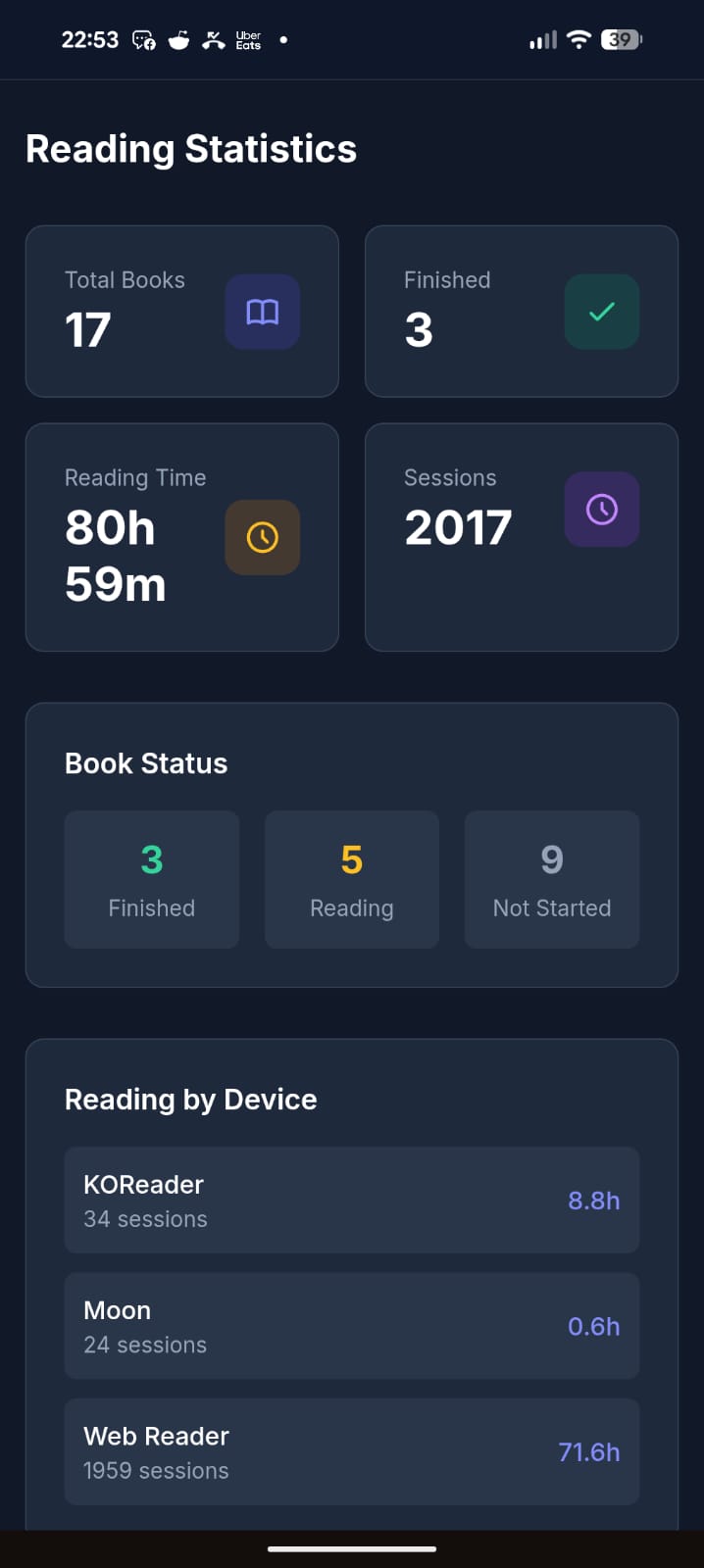
It’s open source (MIT), built with Laravel + React, and ships as a single Docker container (SQLite by default, no external DB needed). The entire UI is translated in English, French, and Spanish.
Honest disclaimer: a good chunk of this is vibe-coded. That said, I’ve been a developer for 20 years, so it’s opinionated vibe-coding — I know what I’m looking at. It’s been used daily and intensively by about 5 people for the last 3 months, and I keep improving it regularly. It’s not bug-free, but I’d call it reasonably stable. I’m being upfront so you know what you’re getting into.
There’s a free public instance if you just want to try it without installing anything: https://varbook.hophop.be/
- Full write-up on my blog: https://trucs.hophop.be/en/blog/varbook-bibliotheque-epub-self-hosted
- Code: https://github.com/ndieschburg/varbook
- KOReader plugin: https://github.com/ndieschburg/varbook.koplugin
Happy to answer questions or hear what’s missing — it scratches my own itch, but I’d love to know if it’s useful to anyone else.
There are already many self hosted services that can do this without vibe coding.
Also, KOReader already syncs reading progress
over OPDS without a plugin.Genuine question, which ones? I searched a lot before building this and didn’t find one that syncs both the reading position AND the reading time between a web reader and an e-reader. If you know one, I really want to hear it.
Small correction: OPDS is just for browsing/downloading books, it doesn’t carry your reading position. KOReader syncs that through kosync, which is a different thing. And kosync only syncs the position, not the reading time. On top of that, the position is stored in a KOReader-only format (XPointer), while web readers use a different one (CFI), so they don’t understand each other.
That’s the whole reason I made the plugin + my own “pivot” format: so my Kobo and my phone actually land on the same spot, with the reading time too. Maybe not the only solution, but I couldn’t find it ready-made.
Kavita and Calibre afaik
Here’s a screenshot from my Kavita activity feed synced with KOReader on my Kobo (also works with KOReader on my android phone)
Also Komga works pretty well with Koreader. I moved my books from Kavita to Komga and I found it to be more reliable regarding the two-way syncing progress (at least for me).
Calibre doesn’t sync reading position.
Book Orbit just added this functionality in the latest release. Grimmory I believe has this too.
Yeah they look great. One thing I focused on that I haven’t seen in them: a real offline-first PWA, books cached locally so I can read with no signal, and it syncs back when I’m online. That’s my main daily use case (train, no wifi), so it’s the part I cared most about.
You can also just sync your files. Koreader, by default, stores metadata in the same folder as the epub file. If you sync the directory with something like Syncthing, then you don’t need a server.