They’re blindly doing it either way. I understand and want GUIs as well, but dumping commands into terminal is starting to seem easier than “go here click this, now click that”
No. First you, the helper, have to find the option in the gui. Then you have to look up every step in the path through the gui. At every step you have to find the english name for the button/menu (localization exists), and manually type it (because you can’t select and copy the text of the gui (by default at least)). Also just referring to buttons by name sometimes won’t work. It is so cumbersome.
Now you have to go figure out what they’re actually looking at and whether it’s what you said to do or not. Command line copy-paste removes any uncertainty.
If it’s “oh, you can open up [application X] and it’s easy to figure it out, and there’s videos out there to cover your use case”, then ok.
But if it’s to help a user with a very specific task and they want their hand held, well from a GUI perspective I’m either making a bunch of screenshots or maybe even a tutorial video or a screen share session… Or I shoot them a relatively short CLI command that does it and move on to other things.
It is usually much shorter to tell someone the CLI to do something than it is to try to train them on a GUI for the same thing. If it’s well-trodden subject matter, well they probably already found a youtube tutorial and didn’t even have to ask.
But then the CLI wouldn’t be faster anymore and the whole argument most people keep bringing up falls apart.
It is much faster for the one giving the answer. Also, the looking up the man page is something you only do the first time. With the gui the user should also verify before blindly following instructions, but it is usually harder to find proper documentation of gui features than cli commands.
Also those man pages aren’t even remotely written to be understandable by Linux novices most of the time…
That is a fair point. They are dense, technical and at times pretty hard to read. But when a novice asks for help they are always going to either trust blindly or verify. Verifying can be a difficult task for a novice no matter if gui or cli is suggested. I do think most novices would trust the gui way more and feel more in control of it, even if they are basically doing the same thing.
Have you read the btrfs or zfs man pages? They are very well written. You just have to want to understand it. If you don’t, let it handle your tech-buddy or admin, or have them quickly look over the command that is about to be confirmed with pressing ENTER.


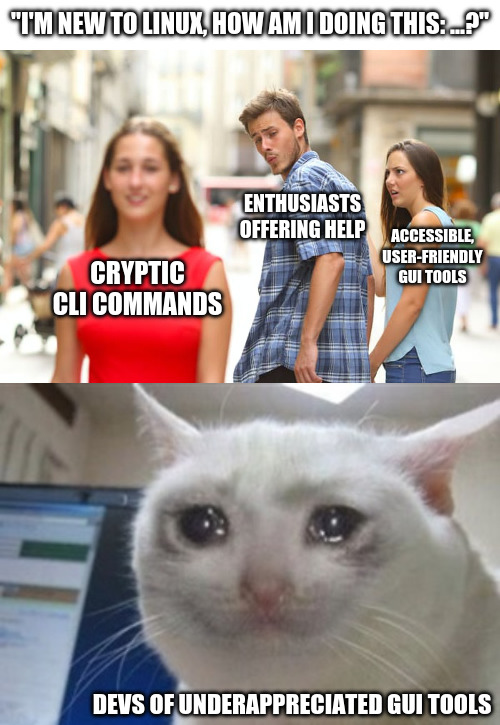
So you want newbies blindly entering scripts to there command line and not knowing what that are doing.
They’re blindly doing it either way. I understand and want GUIs as well, but dumping commands into terminal is starting to seem easier than “go here click this, now click that”
Open “app” -> open menu -> select option -> change this / push this button.
Just as easy to write as a command. But many people (me included) is so used to go the CLI route that the GUI way is only an afterthought.
No. First you, the helper, have to find the option in the gui. Then you have to look up every step in the path through the gui. At every step you have to find the english name for the button/menu (localization exists), and manually type it (because you can’t select and copy the text of the gui (by default at least)). Also just referring to buttons by name sometimes won’t work. It is so cumbersome.
Now you have to go figure out what they’re actually looking at and whether it’s what you said to do or not. Command line copy-paste removes any uncertainty.
And where a typo can cause a catastrophic outcome
If it’s “oh, you can open up [application X] and it’s easy to figure it out, and there’s videos out there to cover your use case”, then ok.
But if it’s to help a user with a very specific task and they want their hand held, well from a GUI perspective I’m either making a bunch of screenshots or maybe even a tutorial video or a screen share session… Or I shoot them a relatively short CLI command that does it and move on to other things.
It is usually much shorter to tell someone the CLI to do something than it is to try to train them on a GUI for the same thing. If it’s well-trodden subject matter, well they probably already found a youtube tutorial and didn’t even have to ask.
Teach them to double check against the man page before pasting, would be my guess.
But then the CLI wouldn’t be faster anymore and the whole argument most people keep bringing up falls apart.
Also those man pages aren’t even remotely written to be understandable by Linux novices most of the time…
It is much faster for the one giving the answer. Also, the looking up the man page is something you only do the first time. With the gui the user should also verify before blindly following instructions, but it is usually harder to find proper documentation of gui features than cli commands.
That is a fair point. They are dense, technical and at times pretty hard to read. But when a novice asks for help they are always going to either trust blindly or verify. Verifying can be a difficult task for a novice no matter if gui or cli is suggested. I do think most novices would trust the gui way more and feel more in control of it, even if they are basically doing the same thing.
Have you read the btrfs or zfs man pages? They are very well written. You just have to want to understand it. If you don’t, let it handle your tech-buddy or admin, or have them quickly look over the command that is about to be confirmed with pressing ENTER.
their* they/those*