ColdWater@lemmy.ca to Mildly Infuriating@lemmy.worldEnglish · 2 years agoNew Xhitter policy just droppedlemmy.caimagemessage-square30fedilinkarrow-up1158arrow-down165
arrow-up193arrow-down1imageNew Xhitter policy just droppedlemmy.caColdWater@lemmy.ca to Mildly Infuriating@lemmy.worldEnglish · 2 years agomessage-square30fedilink
minus-squareColdWater@lemmy.caOPlinkfedilinkEnglisharrow-up4arrow-down42·edit-22 years agoPhoto cropping is hard (I’m just lazy)
minus-squareReverendIrreverence@lemmy.mllinkfedilinkEnglisharrow-up25·2 years ago Photo cropping is hard It’s really not. Try harder.
minus-squareTurboWafflz@lemmy.worldlinkfedilinkEnglisharrow-up5·2 years agoIf you’re using plasma you can just do meta+shift+print screen or meta+r to screenshot a region
minus-squareTheKracken@lemmy.worldlinkfedilinkEnglisharrow-up3·2 years agoCheck out lightshot. Very easy to use.
minus-squarezarkanian@sh.itjust.workslinkfedilinkEnglisharrow-up2·edit-22 years agoI don’t know how your KDE is set up, but on mine the screenshot app (Spectacle) pops up when I press the PrintScr key. From there I can easily capture the whole screen, a rectangular region, a window, etc. It’s like click, drag, click.
minus-squareulterno@programming.devlinkfedilinkEnglisharrow-up1·2 years agoAdmit it, you just wanted people to notice your Plasma.
minus-squarestackPeek@lemmy.worldlinkfedilinkEnglisharrow-up2arrow-down1·2 years agoGet an app called flameshot


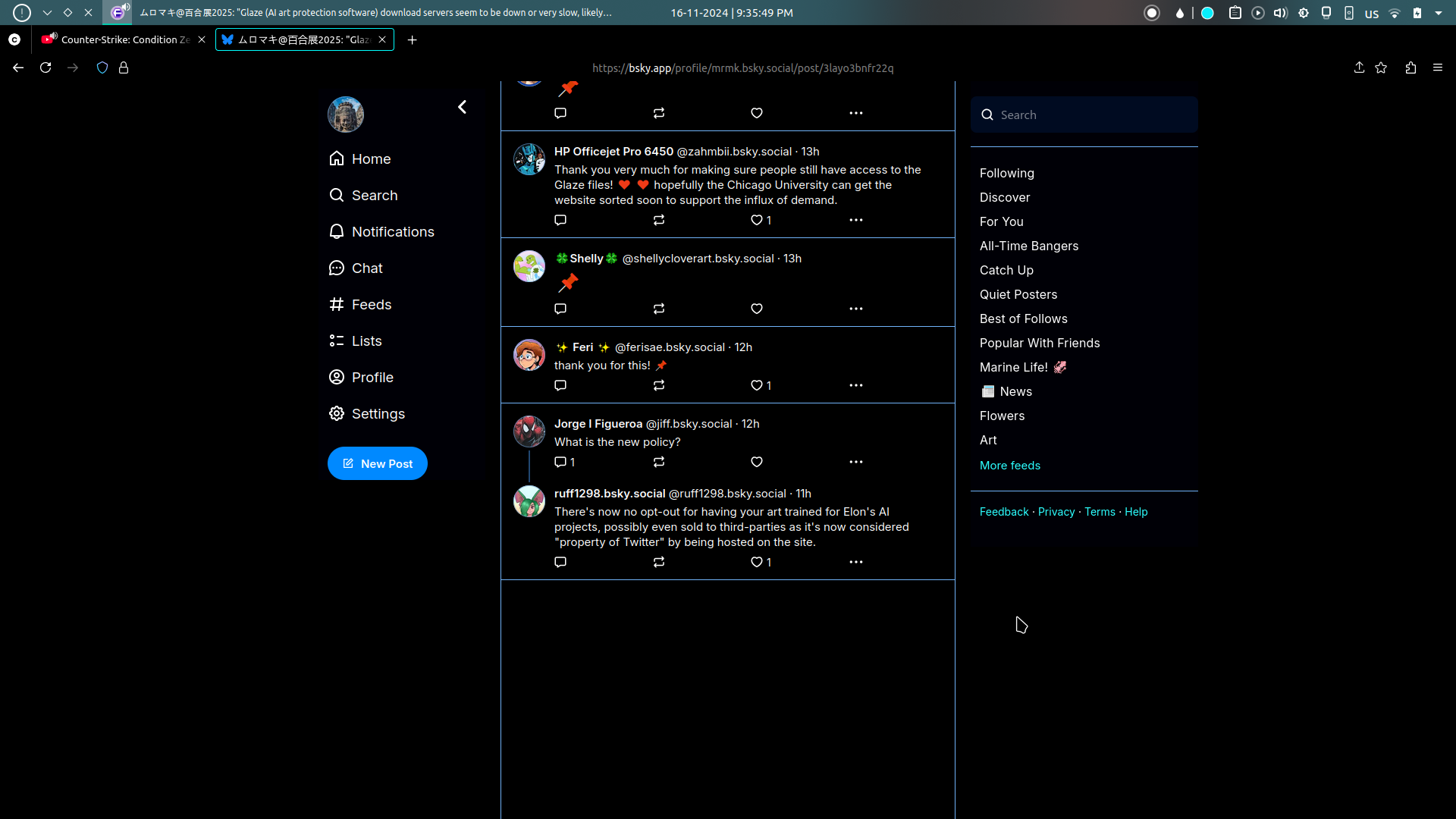
Photo cropping is hard (I’m just lazy)
It’s really not. Try harder.
If you’re using plasma you can just do meta+shift+print screen or meta+r to screenshot a region
Check out lightshot. Very easy to use.
I don’t know how your KDE is set up, but on mine the screenshot app (Spectacle) pops up when I press the PrintScr key. From there I can easily capture the whole screen, a rectangular region, a window, etc. It’s like click, drag, click.
Admit it, you just wanted people to notice your Plasma.
You got me
Get an app called flameshot