You must log in or register to comment.
Yes, but then you have to wonder if the person understands what a reboot is and didn’t just quit the application or just log out of the PC and back in without a clear of RAM
i once asked a kid if he turned the laptop off and on again, he said yea. so i started to try to fix the issue, nothing worked. so i decided to reboot anyway and it worked. ive never trusted anyone who responded yes to this question again
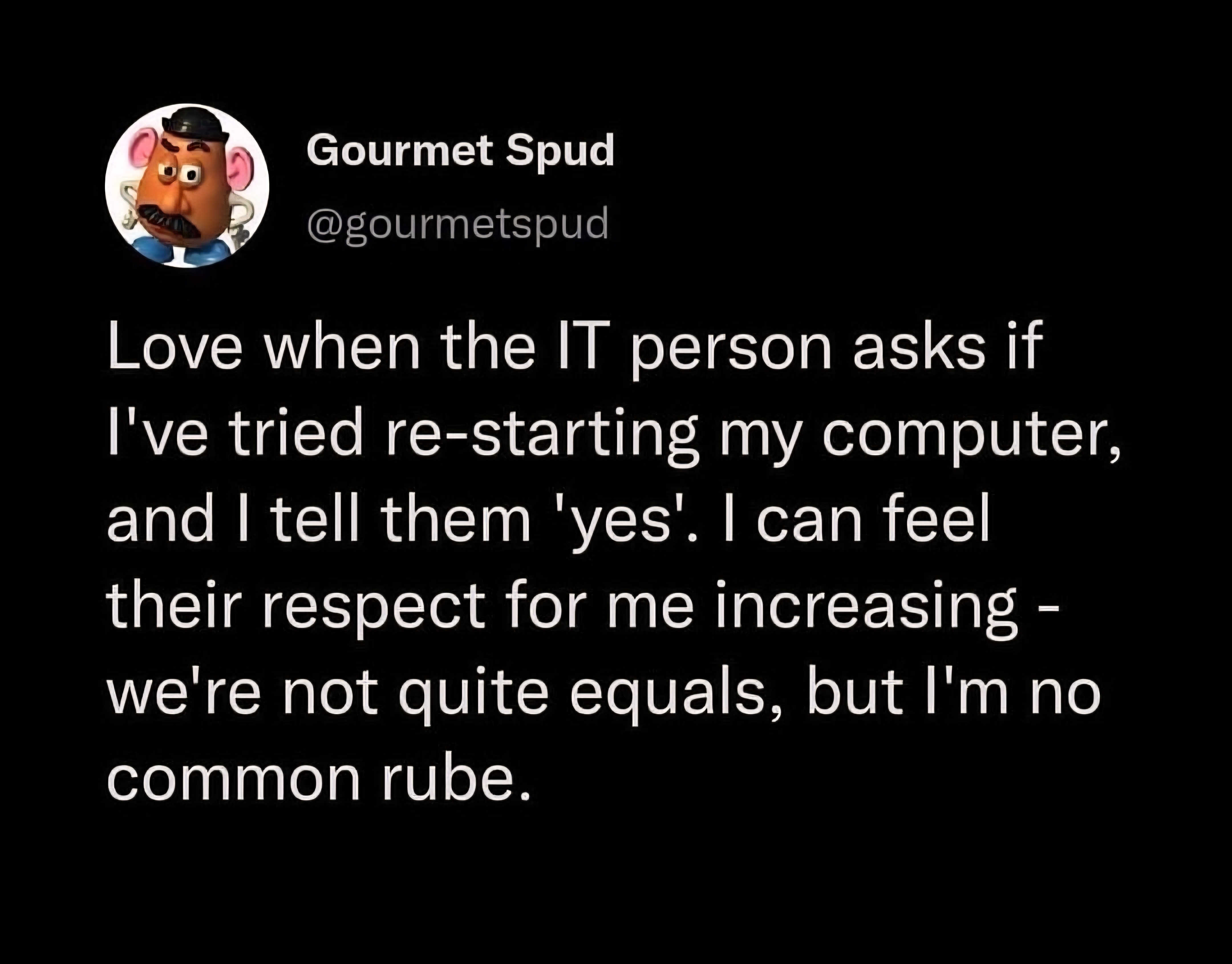
“Have you tried turning it off and back on?”
“yes, obviously that was THE FIRST thing I tried”
system uptime 582 days 23:59:12
Sadly, the number of times I’ve had to reboot windows two or three times to fix an issue lately has been increasing. I’m so glad I’m not in IT trying to support windows 11.
My SO recently bought a laptop designed for (and subsequently sold with) windows 11 and I can’t believe how utterly broken that system feels. It really feels like you’re running an alpha. The system interface completely lacks coherence.
(For context I’ve been running linux for several decades)
most issues we get are with windows 10 now that microsoft doenst care about the os anymore. bro we cant even print through windows 10 anymore 😭
Sadly, the number of times I’ve had to reboot windows two or three times to fix an issue lately has been increasing.
This sounds like your organization’s group policy is too large or your connection from your machine to a domain controller hosting your GPOs is too slow. There’s a timeout period. If all the GPO contents are not pulled down to the local machine, it stops downloading them, and lets the user continue to the Desktop. However, for lots of orgs GPOs are how they deliver settings or software, so you have to reboot again and on the next login, it will pick up downloading where it left off. It could still timeout again if there is more GPO data (or the connection is too slow). So you may have to reboot multiple times, and on one of those it will finally complete the downloads, and then suddenly everything works because all the right data or settings from the GPOs are on the local machine.
I use a Mac at work and don’t have this problem. It’s mostly been my parent’s fairly new Windows 11 laptops. I can’t stand it and feel like Windows does nothing but get in the way of productivity in a work setting. Since at least Windows 7.
Microsoft fired every developer who knew what they were doing and is defecating windows updates produced by Copilot without anyone even testing if they work.
At this point it’s a miracle an updated Windows 11 even boots.
This is why I’m on Linux at home and I refuse to update my work Win11 machine past 23H2
That doesn’t seem like a problem with Windows 11, but with misconfiguration on the server or on your end.
Never had to restart multiple times unless some config asked for it. And every computer at my job is running Windows 11.
I just check the last boot time, though win10 fucked that up and made shutting down not actually restart the system… Nothing like getting schooled by an older customer because MicroSlop changed behavior.
deleted by creator
checks task manager Uptime of 200 days. 🙃
I had someone tell me that they had “restarted AND rebooted” their computer a couple weeks ago and I knew immediately that they had done neither.
Except we can tell that you didn’t…
Uptime: 237 days
“I closed the lid…”
Yes, never trust a user :)
Yeah, I think this person is delusional. I would typically indicate I’ve already tried while while stating I’m proceeding to do it again. I want to keep teir one support on script so I can get to teir two, if needed.
It’s also a good procedure to follow their instructions verbatim because software and hardware can be weird in non-obvious ways and those teir one instructions are often written by higher level tiers so they don’t get bothered on a weekend.
non-obvious ways
Reminded…
This patient’s prescription was for an electron beam, so she positioned the turntable and left the room. In the room next door, shielded from the radiation, was the control terminal. The technician started keying in the prescription to begin the treatment.
If things were exactly following the routine, she’d be able to communicate with the patient via an intercom, and monitor the patient via a video camera. Sadly, that system had broken down today. Still, this patient had already had a number of treatments, so they knew what to expect, so that communication was hardly necessary. In fact, the Therac-25 and all the supporting equipment were always finicky, so “something doesn’t work” practically was part of the routine.
Yes good read! (sad aspects too)
And a kinda spoiler from the next paragraph…
The technician had run this process so many times she started keying in the prescription. She’d become an extremely fast typist, at least on this device, and perhaps too fast.
It used to be about half of users lied about restarting because “That couldn’t possibly solve this problem!” Now there’s also people who truly believe they did but didn’t because MS sucks and broke shutdown. IT could be fairly confident in saying “No you didn’t.” to almost every user.
From my experience, having fastboot on will report long uptime despite the reboot. So the user in question might be telling the truth.
We know you’re lying.
Removed by mod
I went through a computer lab and had to turn all the computers on, and infuriatingly like a third of the monitors were turned off. So I put a few computers to sleep instead 😭
Why is a champion thoroughbred racehorse talking to me on the internet?
Removed by mod
Oh. I thought I had somehow fallen into uma musume
The amount of times people told me this when I worked IT support, and crossed over to see them on-site, and restarted their machine myself, and found it suddenly magically started working…
I’m not saying they lied, but the ‘IT Support Aura’ may be a genuine thing. Like the computer is afraid of getting scrapped so it quickly starts working.
My former career was in IT, I’m a developer now. I work with a bunch of tech savvy people, but I still have the ‘IT Support Aura’. I’ve lost count of how many times a coworker has a computer problem, asks for help, and then watches me fix it and they claim they tried the exact same thing and it didn’t work. I never really have an answer besides ‘computers fear me’
Before my life shifted more into integrations I was a fan of running:
systeminfo | find "System Boot"I wasn’t out to call anyone out, but sometimes users honestly believed they had rebooted and I would find of the the day’s lucky 10k. It also helped to figure out which users would just blankly say they’ve done everything.
Back when I was in that sort of role, I did it to call them out. I’d highlight it on their screen and ask if it was ok to restart the computer now.
I’ve tried nothing, and I’m all out of ideas!
I’ve experienced IT support aura, both from my friends and myself when I joined IT for a while.
I’ve also experienced the evil IT aura. Sometimes when everything is working just fine and an IT worker touches or observes it, it will break inexplicably.
An IT friend asked to use my computer to play a round of Starcraft at a LAN party and I agreed. Watched him slowly sit down, extend his arms above the keyboard like a pianist, slowly rest his hands on the keyboard, and immediately got my first BSOD. Wasn’t even running anything, just sitting on the desktop.
your machine didn’t have enough minerals
The ol’ IT person magic touch - the second you touch the machine, it works flawlessly!
Only problem is if it’s one of those problems that’s workflow-based. I can’t tell you how many times I’ve said “well it seems to work fine for me” only to watch the user do the same task in the most janky, roundabout way, and that is the source of their problem.
Also the thing where you try and show the problem to any other person and it starts working just to make you look dumb. Me and my SO do that all the time: “This thing isn’t working, I know you don’t know how to fix it but can you come over and look at it not working so it’ll work?” And I’d say at least 50% of the time it does lol
On the flip side, any time you want to show somebody something that should be working and you suddenly see an error message you’ve never seen before.
Doing the same thing slower (because you’re explaining what you’re doing) sometimes prevents the problem from happening.
Things that aren’t working for a user sometimes work for me because I wait a bit longer between steps, e.g. waiting for the services/background-programs to finish loading instead of immediately clicking something on the desktop/panel 5 times the moment it shows up.
deleted by creator
The fear effect also works the second you show the problem to someone else in IT. The only thing that makes a computer behave faster than IT being in the room is 2 people from IT.
The IT support aura is nothing more than being patient.
Users don’t have patience, so when they call IT about a problem, they are forced to wait until IT gets there. Which is enough time for it to get through whatever it was calculating and start working again.
Eh, so when I ask a user (who is a programmer) “did you restart your computer” and they promise me they did, they are just being impatient and lying to me?
Yeah, we (IT) figure out who has their shit together and who doesn’t. Every place I’ve worked there are usually a few non-tech people that if they’re calling me, something is actually wrong.
At my last job I was part IT. I never took their word for it when they said they restarted it. I always opened task manager to check. Believe it or not they weren’t lying there, they did know to restart, at least before the aquisition.
At my old job I helped the IT guy out when he came across some really ridiculous Excel problems. After that he’d give my calls special attention and always hooked me up when we got new hardware.
He told me more than once that it was because he knew I knew what I was doing.
You scratch my back and I’ll scratch yours. Such a simple concept that is somehow lost on a lot of people.
I called my ISP because my internet went down. They asked if I’d unplugged the router and plugged it back in. I slightly smuggly said, “Yes.” Then, they asked if I’d left it unplugged for at least 30 seconds…
Well, fuck.
“No, but I keep the board exposed, and I manually discharged each capacitor before plugging it back in, so same thing really.”
I do not trust end users with anything.
Even if you tell me yes, I’m still going to double check. You have no idea how many users just say that because they think it’s a copout (which, admittedly it kinda is) when it fixes so many problems.
Also, once you lie to me you lose more respect than you would have gained by actually restarting. Trust is hard fought for and easily lost.
I usually start conversations with your crew as “Sorry, I’m probably old enough to be your mother and awful with tech. I’ve googled and rebooted and that’s as much I can do I’m so sorry”. And I say it in a grovelling tone…
Also, the number of times where a second restart clears up the issue is insane.
Sadly, Windows can never leave well enough alone. The current biggest confusion is that they changed restart vs shutdown. There are currently TONS of people who think they’re restarting their computer regularly and saving themselves a lot of pain, but Windows decided to change the definition of shutdown.
Did you restart your computer?
Yes.
Did you use start-> restart?
No, I used start -> shutdown, then powered back on!
Sorry, that doesn’t help; it saves the current running state, so when you use it later, it doesn’t need to reload everything. For what’s currently wrong, we really want to make sure we don’t just have some memory corruption. Please perform start -> restart.
Start -> Shift+shutdown also tells Windows to not use fast boot or hybrid shut or whatever…
I had a Mac user in my office last month, I asked her to reboot her MBP, she used the power button to crash it. I’m like, is that the way you always do that? Sure, she says. I showed her the reboot option and she was like “oh neat bye.” That poor fucking Mac.
When I figured that out, I was so pissed. I didn’t tell you to hibernate! If I wanted you to hibernate, is have told you to do that. I said shutdown damnit.
If they let us know they were hiber the kernel, we could have at least chose to hiber the whole damn thing and pick up where we left off.
Wtf, when did this happen?
https://www.pdq.com/blog/restart-vs-shutdown/
When they introduced fast startup in windows 8 :( You can disable fast startup, which eliminates the problem. Honestly, though, it’s better to use the real restart at the first sign of questionable stuff.
Considering many don’t properly restart, Windows 10 / 11 are remarkably stable compared to Windows 7, and when updates force you to restart, it does it the proper way.
That’s fucked I’ve been thinking I’m a good boy shutting down my computer whenever I don’t need to use it to ensure that I don’t get any slow down. Why on earth would you name it “shut down” at that point?
One of win 8’s targets was to decrese boot times. Bios was slow, so Win 8.1 was designed to take advantage of UEFI. While they were there, they decided to ‘cache’ the kernel to make it super fast.
But it was just the kernel. All your apps still had to load again from scratch. They should have called it hybrid sleep visibly in the UI. But the change was confusing, so they just hit it.
Does shutdown /r still work fine?
kinda hard to tell :)
i found one that talks about win 8 https://superuser.com/questions/495240/how-to-instruct-windows-8-not-to-perform-a-fast-shutdown
that says /s works and if you want fastboot at cli use /hybrid, but that’s an old article, ymmv
Yeah it is stupid.
But easily solved by disabling fast startup.
It is easy to work around once you know it exists, personally for my one remaining windows box, I rather prefer to let fast startup do it’s thing ( it is really fast ) and just re-boot it once in a while.
IT guy Herr, I don’t believe you did on principle and I will make you do it again while I watch
No, I don’t care the uptime is minutes in Task Manager
None of them get any respect from me because I guarantee they didn’t submit a fucking ticket.
Our philosophy, “No tickey, no worky”.
It really only works if your boss backs you on that, which I’m lucky enough to have.
I immediately open task manager and check the CPU up time, “7:01:69:13” no you didn’t, liar.
Wdym turning off the monitor doesn’t count as a reboot?
Only 7 days?
Their previous IT issue was a week ago.
I would if people didn’t lie so often about restarting their machines.
People often lie about restarting, and IT is pretty aware of that. In my experience, I’ve gotten a lot of love in situations where IT is onboarding hardware for me and having issues, and I say “hold on, let me try restarting real quick”.
Having been unofficial IT guy in a few places, when I contact any type of tech support, I give them a list of steps I’ve taken to try and solve the issue, which usually includes rebooting as a first or second step.
You you have a very accessible IT dept. I would restart twice and blog post about how to fix something without admin right before the pain of calling IT personally.
Not anymore I’m afraid. IT at Ford is abysmal, a lot of times you can’t reach anyone, and other times you have like 5 people reach out about a resolved and closed issue over a week.
Back in my service desk days, I used to just request to perform a restart on their behalf. If they said they already had, I’d make up some nonsense about how I had just manually edited a regkey for them remotely, and it not taking effect til another restart or something like that.
In my experience, the majority of the time someone claimed to have restarted; they either did so incorrectly, or for some reason believed it held no relevance and just wanted to get to ‘the actual solution’.
That little white lie allowed them to save face, and me save time and brain cells. It was a win-win.